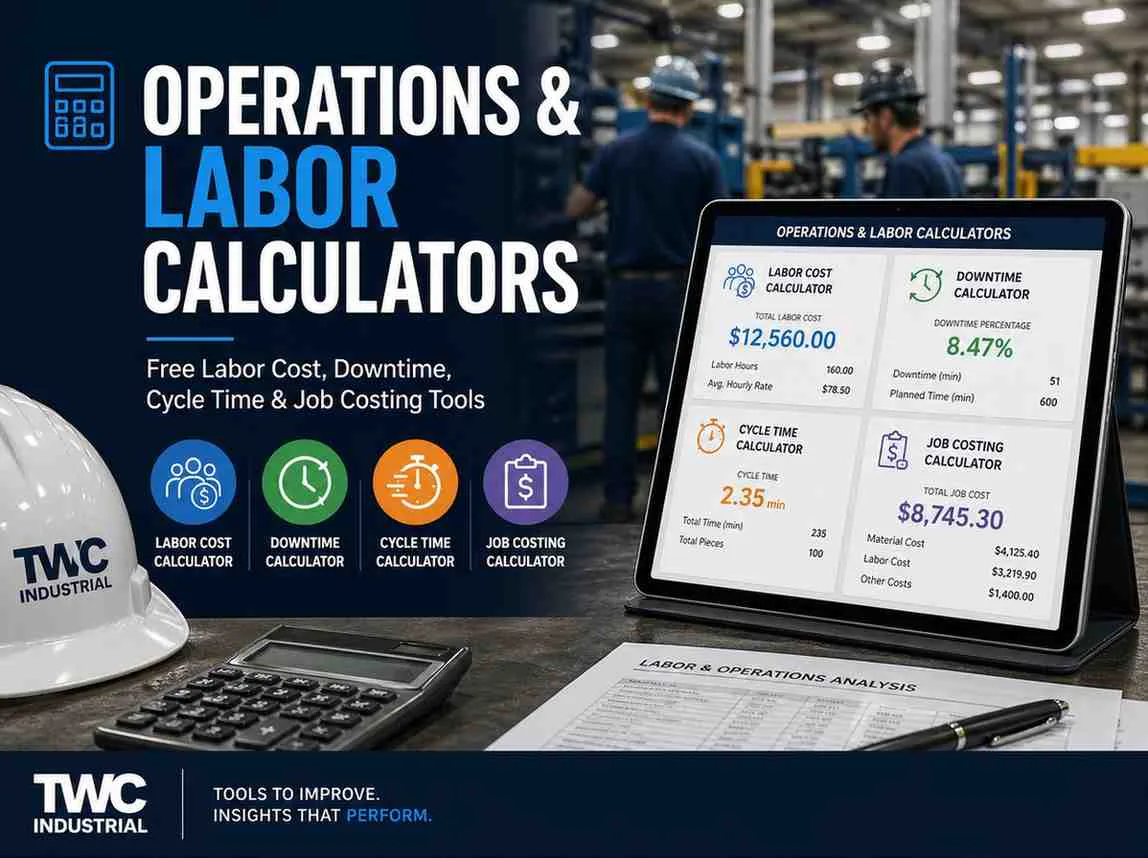
Operations & Labor Calculators
Free tools for manufacturing managers, plant engineers, and job shop owners — labor cost, overtime, cycle time, machine utilization, cost per part, setup time, downtime cost, and job costing. Know exactly what every minute of production is worth.
These queries have low-to-medium KD (5–22) with strong intent from plant managers, industrial engineers, and job shop owners — a high-value audience that converts well. The competition is mostly ERP vendor blogs and management consulting sites, neither of which offers a free interactive calculator. That gap is your advantage.
■ Fast rank (KD 0–10) ■ Good (KD 11–20) ■ Medium (KD 21–30)
Quantify the true financial cost of every machine stoppage — machine running cost, idle labor, and lost production revenue in a single calculation. Most shops only count "lost revenue" and miss idle labor, overtime recovery, scrap on restart, and downstream starvation. This tool captures all of it. Once you know your real cost per downtime event, the ROI conversation on preventive maintenance writes itself.
How to Use These Operations Calculators
Every production cost in a manufacturing business flows from a few key inputs: labor rate, cycle time, machine rate, and utilization. These tools let you isolate each variable and see exactly where your cost-per-part is going — before you quote, before you hire, and before you invest.
1 Start with Burdened Labor Rate
Run the Labor Cost Calculator first. The burdened rate (base wage + taxes + benefits + overhead allocation) is the input every other calculator needs. Using a bare wage rate understates your true cost by 25–45%.
2 Allocate Operator Cost per Machine
If operators run more than one machine, use the Operator Cost per Machine Calculator to split labor cost correctly. A 1:3 operator-to-machine ratio changes your machine rate dramatically — and most shops get this wrong.
3 Convert Cycle Time to Cost
Use the Cycle Time to Labor Cost Calculator to see what each second of cycle time is worth at your burdened rate. This is the number your process engineers need to justify a cycle time improvement project.
4 Add Setup Cost to Each Part
Run the Setup Time Cost Calculator to amortize setup hours across the batch. On small batches, setup can exceed run cost. This is why SMED programs pay back so fast — cutting setup time by 50% on a 20-part batch can cut per-part cost by 20%.
5 Build Cost per Part
Combine all of the above in the Cost per Part (Machine + Labor) Calculator to get a defensible per-part cost you can put on a quote. Then run the Job Costing Calculator for the full job cost sheet.
6 Quantify Downtime & Measure Efficiency
Use Downtime Cost Calculator to put a dollar figure on each stoppage and build the PM justification. Use Machine Utilization and Units per Labor Hour to benchmark shift performance week-over-week.
Setup cost per part = Setup time × Burdened rate ÷ Batch size. A 45-minute setup at $55/hr burdened on a 5-part batch = $8.25 setup cost per part. The same setup on a 50-part batch = $0.83 per part. That's a 10× difference — from setup alone. Before accepting small-batch rush orders, run the Setup Time Cost Calculator to know whether your rush premium actually covers the true cost. It usually doesn't.
Using calculator results responsibly
Turn the result into a verified shop decision
Use measured dimensions, current labor and machine rates, and the correct material or process assumptions.
Confirm the result against the machine manual, tooling data, applicable code requirements and available capacity.
Run a controlled test, record the actual outcome and revise the planning value when shop evidence differs.
Frequently Asked Questions
Top Picks for CNC Router Tooling
Professional-grade carbide tools ready to ship. Click any product to view details and pricing.
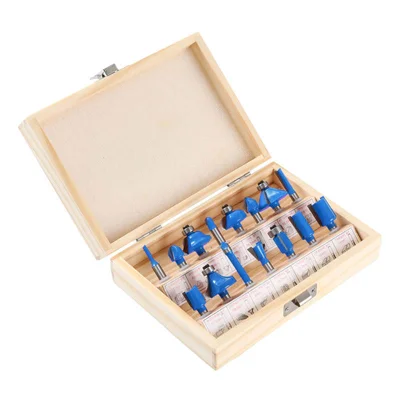
15-Piece Router Bit Set
Multi-size starter kit with carrying case
View on Alibaba →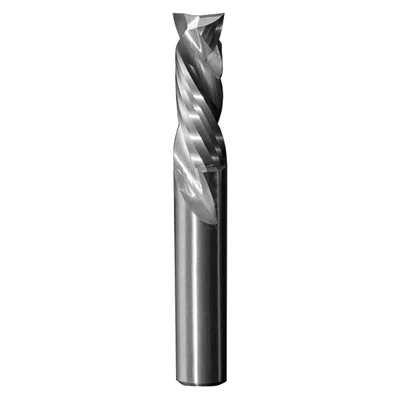
Compression Spiral Bits
Clean edges on plywood & MDF
View on Alibaba →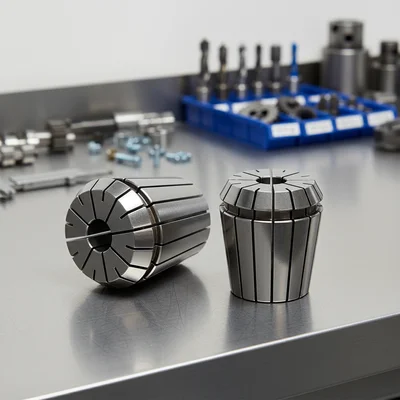
ER Collet Set
Precision holding, zero runout
View on Alibaba →As an Alibaba affiliate partner, we earn from qualifying purchases at no cost to you.