CNC Machine
CNC Milling Machine Buying Guide 2026 -Spindle, Rigidity & Top Picks
Choose the right CNC mill in 2026 — spindle power, frame rigidity, controller types, budget tiers from $250 to $60K, and honest equipment marketplaces picks for hobbyists & small shops.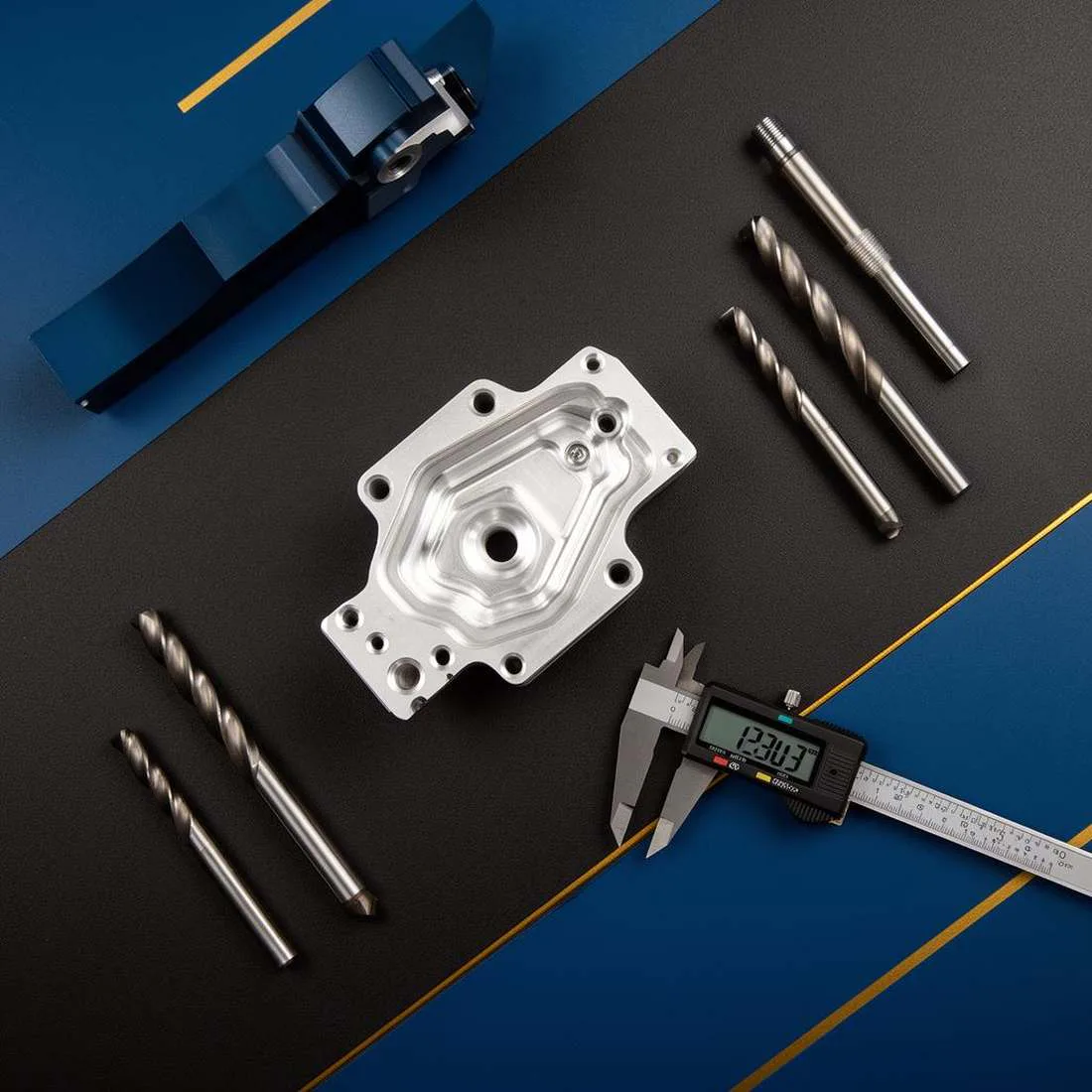
The CNC Milling Machine Buying Guide
What to look for, which specs actually matter, and five machines worth your time — from benchtop hobby units to enclosed prosumer mills.
A CNC milling machine is one of the most consequential tools you'll ever buy for a shop. The wrong pick costs you months of frustration, ruined stock, and — if you're running a business — missed deadlines. The right pick quietly pays for itself in the background. This guide walks through what separates machines that look similar on paper, and gives you five honest picks for different budgets and goals.
What a CNC milling machine actually does
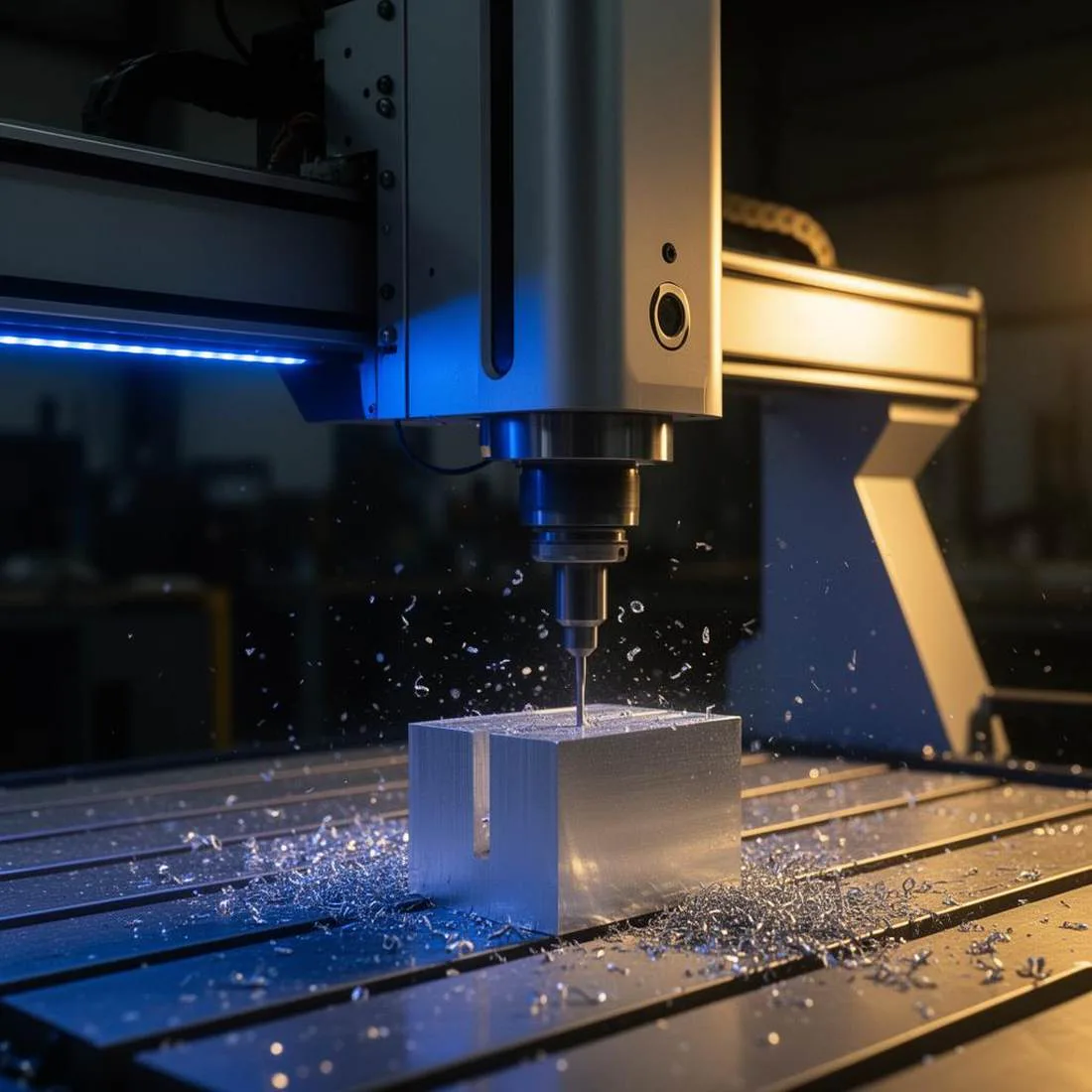
A milling machine removes material from a solid block using a spinning cutter. CNC — Computer Numerical Control — just means a computer moves the cutter and the workpiece along precise coordinates, instead of a human cranking handwheels. The result: repeatable parts, complex geometry that would be impossible by hand, and the ability to leave the machine running while you do something else.
If you're still weighing whether CNC is the right process for your part at all, our manufacturing process selector can help you compare CNC against casting, 3D printing, sheet metal, and injection molding before you commit.
Who this guide is for
- Hobbyists & makers cutting wood, plastic, and soft aluminum in a garage or small shop.
- Small businesses prototyping parts, producing short runs, or replacing outsourced machining work.
- Engineers & designers who want to validate real parts before sending files to a production shop.
- Educators setting up a STEM lab or makerspace that needs reliable, quiet-enough machines.
If you're buying for a production environment where spindle uptime directly drives revenue, it's worth running the numbers first with our CNC ROI calculator.
The specs that actually matter
Spec sheets are noisy. These are the numbers that actually predict how the machine will behave once it's on your bench.
1. Work envelope (X / Y / Z travel)
This is the maximum size of part the machine can cut. Pay attention to Z travel specifically — many desktop mills advertise a generous X and Y but only give you 60–100 mm of vertical room, which disappears fast once you add a vise and a longer end mill.
2. Frame rigidity
Rigidity is what separates machines that merely move to the right coordinates from machines that actually cut to them. A flexible frame deflects under load, leaving you with chatter marks, oversized pockets, and broken tools. Welded steel and cast iron beat extruded aluminum. Linear rails beat V-wheels. Ball screws beat lead screws.
3. Spindle power & RPM range
Power (watts or horsepower) determines how aggressively you can cut hard materials. RPM range determines which cutters you can run efficiently — high RPM for small end mills in aluminum, lower RPM with torque for steel. A 500 W trim-router spindle and a 2.2 kW water-cooled VFD spindle are not remotely the same tool.
4. Motion system: stepper vs. closed-loop vs. servo
Open-loop steppers are cheap but can lose steps under load without telling you — a ruined part you only notice afterward. Closed-loop steppers add encoders and will alarm out if they miss. Servos are the premium answer: faster, quieter, and self-correcting.
5. Repeatability vs. accuracy
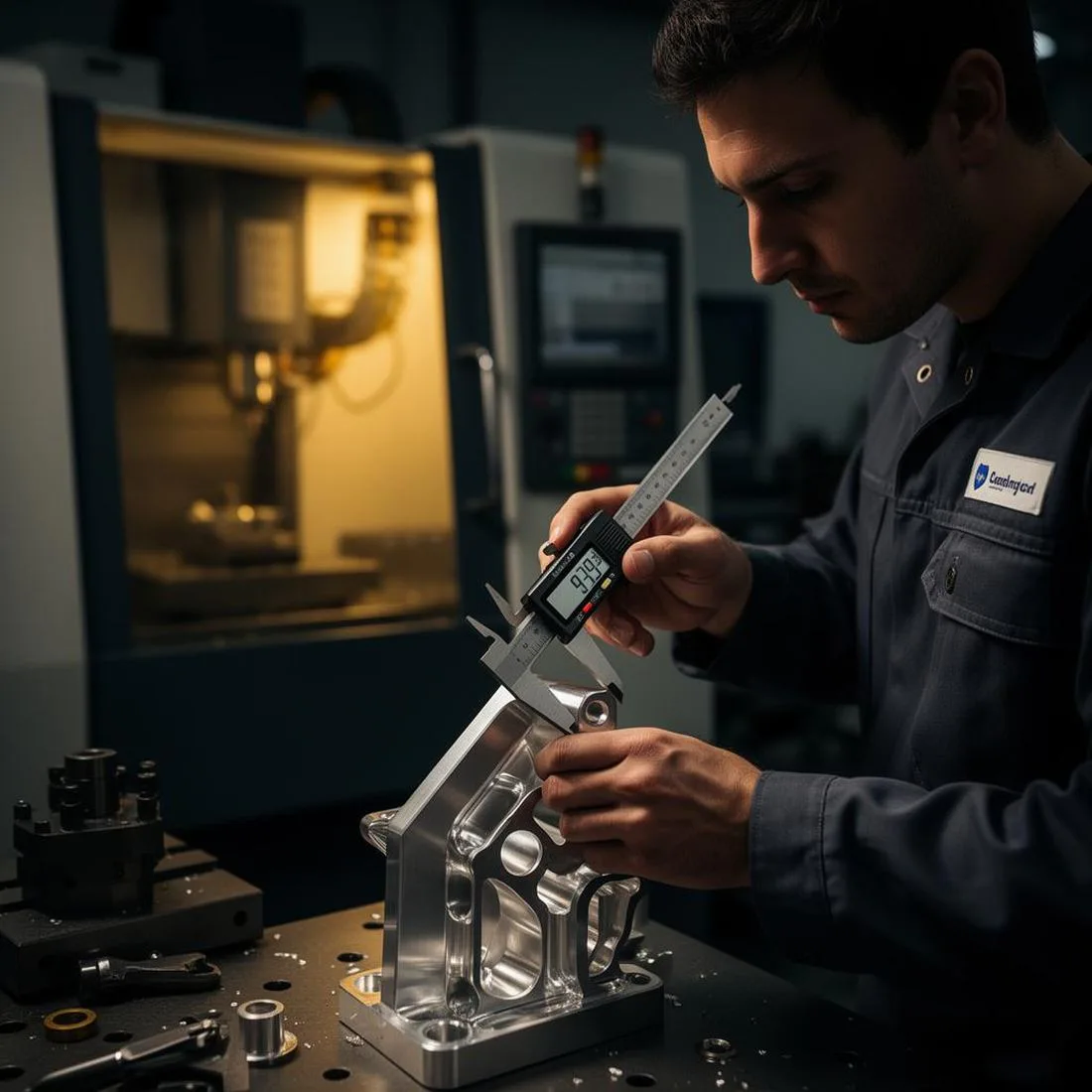
Two different numbers, often confused. Accuracy is how close the machine gets to a commanded position. Repeatability is whether it gets to the same place every time. For most parts, repeatability matters more — you can compensate for a consistent offset, but you can't compensate for randomness. When you size feeds and speeds for any of these machines, our feed rate calculator will keep you out of the range where chatter and tool breakage become likely.
6. Enclosure, coolant & chip management
An enclosure changes the experience more than any other single feature. It contains chips, dampens noise, and lets you run flood coolant without soaking your shop. If you plan to cut metal regularly, treat enclosure and coolant as non-negotiable rather than "someday" upgrades.
Setting a realistic budget
A useful rule: whatever the machine costs, plan to spend another 30–50% in the first year on tooling, workholding, coolant, dust collection, software, and stock you'll ruin while learning. If you're financing the purchase, our machinery loan calculator will show you what the monthly payment actually looks like once interest and term are locked in.
For production shops, the more important question isn't the sticker price — it's your cost per part once you factor in machine time, tooling wear, labor, and overhead. A more expensive machine that holds tolerance can beat a cheap one on cost per part within the first year.
Five machines worth considering
No affiliate fluff — just five machines that represent honest choices at their respective tiers. Links open from equipment suppliers in a new tab.
Genmitsu 3030-PROVer MAX
A meaningful step up from the famous 3018 class. Linear guides and ball screws on all three axes mean this machine holds tolerance in a way the V-wheel hobby mills simply can't. The 300 × 300 mm envelope is the sweet spot where most real hobby and prototype parts actually live.
Strengths
- Real linear motion, not V-wheels
- 69 mm mount fits most spindle upgrades
- Strong community + docs
Trade-offs
- No enclosure out of the box
- Steel requires patience & light cuts
SainSmart Genmitsu PROVerXL 4030 V2
The PROVerXL 4030 V2 is where "hobby" starts to blur into "small business." Closed-loop steppers mean you get the alarm-on-missed-step safety that used to be servo-only territory. The 400 × 300 mm bed handles real furniture-component and sign-making work without tiling.
Strengths
- Closed-loop = fewer ruined parts
- Generous Z clearance
- Optional enclosure kit available
Trade-offs
- Still benchtop-class rigidity
- Spindle is an upgrade path, not a gift
FoxAlien 4040-XE
The FoxAlien 4040-XE earns its spot by being genuinely usable out of the box. The 400 × 400 mm envelope is the biggest jump in what you can practically cut. The frame and gantry are noticeably beefier than the typical 3018-class build, which shows up as cleaner finishes at normal feeds.
Strengths
- Large work area
- Works out of the box
- Great for panels and signs
Trade-offs
- Limited Z clearance
- Router is loud — plan for hearing protection

Genmitsu PROVerXL 4030S (710 W spindle)
The 4030S adds the thing most desktop CNCs are missing: a real spindle. The 710 W motor opens up feed rates and depths of cut that trim-router spindles can't touch, and the upgraded motion hardware keeps the machine honest under that extra load. This is where a CNC starts acting like a tool you can earn money with.
Strengths
- Real spindle, not a trim router
- Comfortable in aluminum all day
- Stepped-up mechanicals
Trade-offs
- Still open-frame — plan a dust booth
- Noise & chip load go up with capability
Makera Carvera Air
The Carvera Air is what happens when a desktop CNC stops pretending it's a hobby toy. Fully enclosed, closed-loop steppers, an automatic tool changer, and integrated CAM make this closer to a junior VMC than to a router kit. For serious prototyping and short-run production, it collapses what used to be a two-machine workflow into one.
Strengths
- ATC = overnight runs without baby-sitting
- Enclosed, quiet, apartment-viable
- Integrated CAM flattens the learning curve
Trade-offs
- Significant investment
- Smaller work envelope than open-frame rivals
Side-by-side comparison
| Machine | Work area | Motion | Spindle | Enclosure | Best fit |
|---|---|---|---|---|---|
| Genmitsu 3030-PROVer MAX | 300 × 300 × 110 mm | Linear rail + ball screw | 69 mm mount (BYO) | No | Serious hobby |
| PROVerXL 4030 V2 | 400 × 300 × 110 mm | Closed-loop steppers | Trim router | Optional | Small shop |
| FoxAlien 4040-XE | 400 × 400 × 75 mm | Reinforced aluminum | Included router | No | Panels & signs |
| PROVerXL 4030S | 400 × 300 × 110 mm | Upgraded precision | 710 W spindle | No | Light metal |
| Makera Carvera Air | Compact enclosed | Closed-loop | Spindle + ATC | Yes | Prosumer / prototyping |
Materials: what each tier can actually cut
Ignore marketing claims that every machine "cuts metal." Technically true, practically useless. Here's what each tier can cut well:
- Hobby benchtop (3030-class) — wood, MDF, acrylic, HDPE, soft aluminum with light passes.
- Mid-range (4030 V2 / 4040-XE) — everything above, plus reliable aluminum and brass with proper feeds.
- Upgraded spindle (4030S) — comfortable aluminum production, occasional steel with patience.
- Enclosed prosumer (Carvera Air) — steel, titanium alloys (carefully), and repeatable metal prototyping.
Tooling, workholding & the "hidden" costs
The machine is roughly half the actual investment. The other half is what goes around it:
- End mills — carbide in multiple diameters, plus a stock of consumable 1/8" and 1/4" cutters.
- Workholding — a proper vise, step clamps, and a wasteboard you're not afraid to score.
- Probing — a touch probe pays for itself after the first three parts.
- Dust & chip control — shop vac for wood, chip tray and brush for metal, mist coolant for aluminum.
- Safety gear — eye protection, hearing protection, and a fire-safe place to run the machine.
Software: CAD, CAM & control
Every CNC workflow is three layers. Getting them right matters more than brand loyalty.
CAD — where the part is designed
Fusion 360, Onshape, or SolidWorks for mechanical work. Carbide Create and VCarve for wood and signs. Pick one and go deep — software-hopping is where most beginners lose months.
CAM — where toolpaths are generated
Fusion 360 bundles capable CAM with CAD. Carbide Create and VCarve have their own CAM. The Carvera Air ships with integrated CAM that shortcuts most of this decision.
Control / sender
Candle, UGS, and gSender are the common free options for GRBL-based machines. Mach3/Mach4 and LinuxCNC sit higher up the ladder. The Carvera Air runs its own sender. Pick based on what your machine's controller actually supports — not on which forum shouts loudest.
Will it pay for itself?
For a business buyer, this is the only question that matters. A CNC mill earns its keep in three ways: replacing outsourced machining, enabling products you couldn't make before, and compressing prototype cycles from weeks to days.
Before you commit, plug real numbers into our ROI calculator and cost-per-part calculator. The honest answer is usually: yes, if you actually run it — and no, if it becomes a very expensive shelf.
If you're currently paying an outside shop more than $400–600 per month in machining, a capable desktop mill typically pays for itself inside a year — even including tooling, software, and the learning curve.
The learning curve (and how to shorten it)
Nobody buys a CNC mill and runs perfect parts on day one. The curve is real, but it's also bounded. Most people are cutting usable parts within a month, and comfortable with the machine inside three. Things that compress the curve:
- Pick one CAD/CAM stack and stay there for six months.
- Start with soft materials — MDF and foam teach you toolpaths without punishing mistakes.
- Use conservative feeds and speeds — the feed rate calculator exists to keep you out of the danger zone while you build intuition.
- Break tools on purpose, once — understanding why a cutter breaks is worth more than carefully avoiding it forever.
- Join one community (a forum, Discord, or subreddit) and actually post your failures. You'll save months.
FAQ
Do I need a 3-phase shop to run any of these?
No. Every machine in this guide runs on standard 110/120 V or 220/240 V single-phase household power. The prosumer Carvera Air is the most power-hungry of the five and still fits in a normal outlet.
CNC router vs. CNC mill — what's the real difference?
Routers spin fast with less torque, and are optimized for wood, plastic, and soft metals. Mills spin slower with more torque, are heavier, and are built to remove metal. Several machines in this guide straddle the line — the Carvera Air behaves much more like a small mill than a router.
How loud are these machines?
Open-frame routers with trim-router spindles are loud — hearing-protection loud. Proper VFD spindles are noticeably quieter. Enclosed machines like the Carvera Air are quiet enough to run in a home office with the door closed.
Can I cut steel on a desktop CNC?
Technically yes on the upgraded-spindle and enclosed tiers; practically, plan on light cuts, sharp cutters, and patience. If steel is your primary material, you've outgrown desktop class — a benchtop knee mill or a used VMC will save you years.
How long does setup really take?
Unboxing to first chips: a weekend for the open-frame machines, an afternoon for the enclosed prosumer options. First good part: one to three weeks. First part you'd actually sell: one to three months.
Essential accessories & consumables
The machine alone won't get you running. These are the categories worth shopping carefully — each link runs a fresh equipment marketplaces search so you see current options and pricing.
| Category | Why you need it | Browse |
|---|---|---|
| Carbide end mills | Consumable cutters in 1/8" and 1/4" — buy multipacks. | Search Verify specifications |
| CNC milling vise | Rigid workholding for metal parts and repeatable setups. | Search Verify specifications |
| Step clamp set | Holds odd-shaped stock to the wasteboard or T-slot table. | Search Verify specifications |
| Touch probe / edge finder | Cuts setup time and pays for itself within a few jobs. | Search Verify specifications |
| Mist coolant system | Extends tool life dramatically when cutting aluminum. | Search Verify specifications |
| ER collet set | Match collets to your spindle (ER11, ER16, ER20). | Search Verify specifications |
| Digital calipers | Inspect every part — guesswork dies here. | Search Verify specifications |
| Dust shoe / shop vac | Essential for wood & MDF — protects rails and lungs. | Search Verify specifications |
| Hearing & eye protection | Non-negotiable. Trim-router spindles are loud. | Search Verify specifications |
Want broader options? Browse all CNC milling accessories from equipment suppliers.
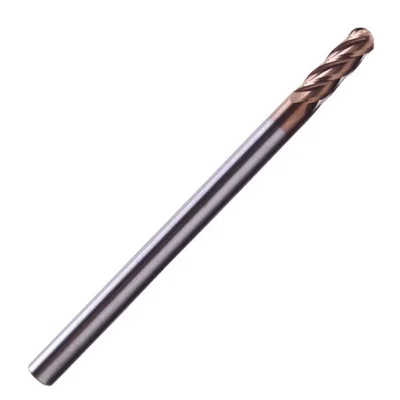
Shop Ball Nose End Mills
Long-shank carbide cutters for 3D contouring, die finishing, and sign carving.
Ball Nose End Mill
R0.25–R8mm, 2/4 flutes, multiple coatings
View on Alibaba →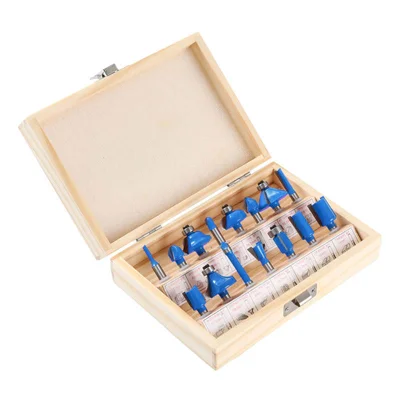
15-Piece Router Bit Set
Multi-size starter kit
View on Alibaba →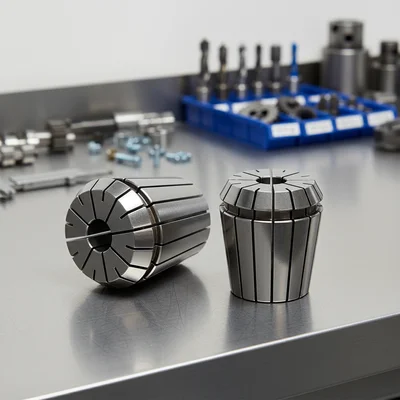
ER Collet Set
Precision tool holding
View on Alibaba →As an Alibaba affiliate partner, we earn from qualifying purchases at no cost to you.