CNC Machine
The Ultimate Guide to Choosing Your First Desktop CNC Router
Find your first desktop CNC router with confidence. Compare specs, materials, software, and real costs to pick a machine you won't outgrow.Buying your first desktop CNC router is one of the most exciting—and most confusing—decisions a maker, hobbyist, or small business owner can make. The market is flooded with machines that all look similar on the outside but behave very differently the moment you press "Start." A wrong choice can mean burned motors, ruined material, or a machine that simply cannot cut what you bought it for.
This guide walks you through every decision that actually matters: what a desktop CNC router really is, how to match a machine to the materials you plan to cut, the specifications that separate a toy from a tool, the software stack you'll live inside, and the real cost of ownership beyond the sticker price. By the end, you'll be able to read any spec sheet on the market with confidence and pick a machine you won't outgrow in six months.
What a Desktop CNC Router Actually Is
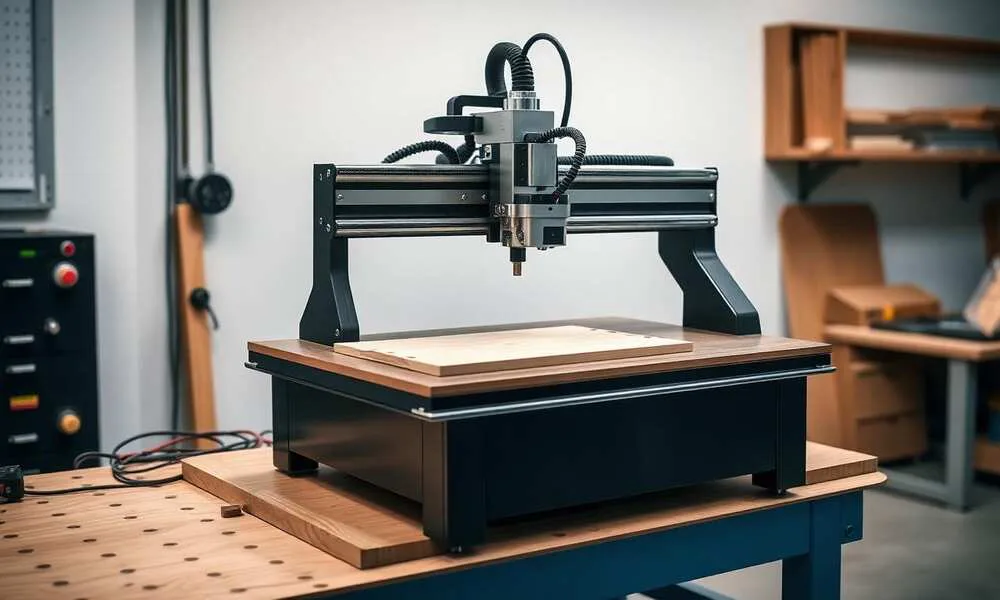
A CNC (Computer Numerical Control) router is a subtractive manufacturing machine. It moves a spinning cutting tool—called an end mill or router bit—along three (sometimes four or five) axes to remove material from a workpiece, following a digital toolpath. A desktop CNC router is simply a smaller, bench-top version designed for workshops, garages, classrooms, and small studios rather than industrial floors.
It's important to understand what a desktop router is not. It is not a laser cutter (which burns), not a 3D printer (which adds material), and not a CNC mill (which is built for heavy metalwork with much higher rigidity). A desktop CNC router shines at cutting and engraving wood, plastics, foam, composites, soft metals like aluminum and brass, and PCB material. Trying to use it as a substitute for a VMC will end in disappointment.
Define Your Use Case Before You Shop
The single biggest mistake first-time buyers make is shopping by price or brand instead of by job. Before you compare a single spec sheet, write down honest answers to four questions:
What materials will you cut 80% of the time? Soft woods and plastics demand very different rigidity than aluminum or carbon fiber. A machine that's perfect for plywood signs will chatter, deflect, and break bits in 6061 aluminum.
What is the largest part you realistically need to make? Buy for the part you'll actually produce, not the dream project you might attempt in two years. Oversized machines waste money, take up bench space, and are slower for small jobs.
What tolerance do you need? Decorative engraving forgives ±0.2 mm. Press-fit joinery, inlays, or mechanical parts demand ±0.05 mm or better, which dictates frame rigidity, drive type, and spindle runout.
Hobby, side-hustle, or production? A machine that runs two hours a weekend can survive on hobby-grade components. A machine that runs eight hours a day cutting paid customer orders cannot.
Your answers to these four questions eliminate roughly 70% of the machines on the market before you ever look at a price tag.
The Specifications That Actually Matter
Marketing copy loves to brag about top speed and work area. Experienced operators look at a different set of numbers.
Frame rigidity is the foundation of everything. An aluminum extrusion frame is fine for wood and plastic; a welded steel or cast frame is what you want for aluminum and long production runs. Rigidity is what determines whether your cuts are crisp or covered in chatter marks.
Linear motion system. V-wheels on extrusion are cheap and quiet but wear and lose accuracy over time. Linear rails with recirculating ball bearings cost more but stay accurate for years and handle heavier cuts. For anything beyond casual hobby use, prefer linear rails.
Drive system. Belt drives are fast and forgiving but stretch and lose precision under load. Lead screws are accurate and strong but slower. Ball screws are the gold standard—accurate, fast, and stiff—but add cost. Most quality desktop routers use lead screws on Z and belts or lead screws on X/Y.
Spindle vs. trim router. A hand-trim router (Makita, DeWalt) is loud, has limited RPM control, and shortens tool life. A proper brushless spindle—even a modest 800 W air-cooled unit—is dramatically quieter, gives you full RPM control via your software, and dissipates heat properly. If your budget allows, a water-cooled 1.5 kW or 2.2 kW spindle is one of the best upgrades you can make.
Working area and Z clearance. Don't just look at X and Y. Z travel and Z clearance under the gantry decide whether you can use a vise, a 4th-axis rotary, or thicker stock. Many beginners discover too late that their machine cannot fit a workholding jig.
Repeatability vs. resolution. A spec sheet may claim 0.01 mm resolution, but resolution is just the smallest step the motors can command. Repeatability is whether the machine actually returns to the same point under cutting load. Repeatability is the number that matters.
Controller and electronics. Closed-loop steppers or servo motors detect missed steps and correct them; open-loop steppers do not. A modern controller (GRBL 1.1+, Mach4, LinuxCNC, or a proprietary board with active firmware updates) will save you hours of frustration over its lifetime.

Matching the Machine to Your Materials
A quick reality check on what each tier of desktop machine can comfortably handle:
Entry tier (under ~$1,000). Lightweight aluminum-extrusion frames with V-wheels and a trim router. Excellent for soft woods, MDF, foam, plastics, and PCB engraving. Can touch aluminum with very shallow cuts and a lot of patience, but it is not their natural habitat.
Mid tier (~$1,500–$4,000). Heavier extrusion or partial steel frames, linear rails on at least one axis, lead screws, and a real spindle. This is the sweet spot for serious hobbyists and small businesses doing signage, cabinetry parts, guitar bodies, and regular aluminum work.
Prosumer / small-shop tier ($4,000+). Steel frames, linear rails on all axes, ball screws, closed-loop steppers or servos, and water-cooled spindles. These machines run production-grade jobs in aluminum and tough composites and are the natural upgrade path for anyone outgrowing the mid tier.
Be brutally honest about which tier matches your use case. Buying down costs you in re-work and frustration. Buying up costs you in cash you could have spent on better tooling, dust collection, or material.
The Software Stack You'll Live Inside
Hardware gets the headlines, but you'll spend more time in software than at the machine. A typical workflow has three stages:
CAD (design) — Fusion 360, Onshape, FreeCAD, SolidWorks, or vector tools like Inkscape and Illustrator for 2D work.
CAM (toolpathing) — Fusion 360 CAM, Vectric VCarve / Aspire, Carbide Create, Carveco, or open-source options like Kiri:Moto. CAM is where you tell the machine how to cut: which tool, which depth per pass, which feed and speed, which strategy.
Sender / Controller (machine control) — Carbide Motion, UGS, Candle, Mach4, LinuxCNC, or the vendor's own software. This is what streams G-code to the controller.
Before you buy a machine, confirm that it works with software you actually want to use. Some manufacturers lock you into a closed ecosystem; others ship with standard GRBL and let you bring any tool you like. Open ecosystems age much better.
Workholding, Dust, and Safety—The Boring Things That Make or Break You
These three areas are where beginners waste the most material and time.
Workholding is how you secure the workpiece. Options include double-sided tape, hold-down clamps, T-track and toe clamps, vacuum tables, and dedicated fixtures. Plan workholding before you cut—a part that shifts mid-job is a ruined part and often a broken bit.
Dust and chip management is non-negotiable. Wood and MDF dust is a known carcinogen, and a CNC router throws an enormous amount of it. A dust shoe connected to a real shop vac or dust extractor is the minimum. For metals, a chip guard and proper coolant or air blast extend tool life dramatically.
Safety. Always wear eye protection. Hearing protection if you're using a trim router. Never wear gloves around a spinning spindle—they can grab and pull your hand in. Keep a clear emergency-stop button within arm's reach, and never leave a long job completely unattended without a smoke alarm and, ideally, a camera.
The Real Cost of Ownership
The machine price is only the beginning. Budget realistically for:
- Tooling. A starter set of quality end mills (1/8" and 1/4" shank, single-flute for plastics, two- or three-flute for wood, coated bits for aluminum) easily runs $150–$400. End mills are consumables; they wear, chip, and break.
- Spindle upgrade. If your machine ships with a trim router, plan $300–$900 for a brushless spindle and VFD when you're ready.
- Dust collection. A dust shoe plus a serious shop vac or HEPA dust extractor: $200–$800.
- Workholding. A T-track table, clamps, and a few fixtures: $100–$400.
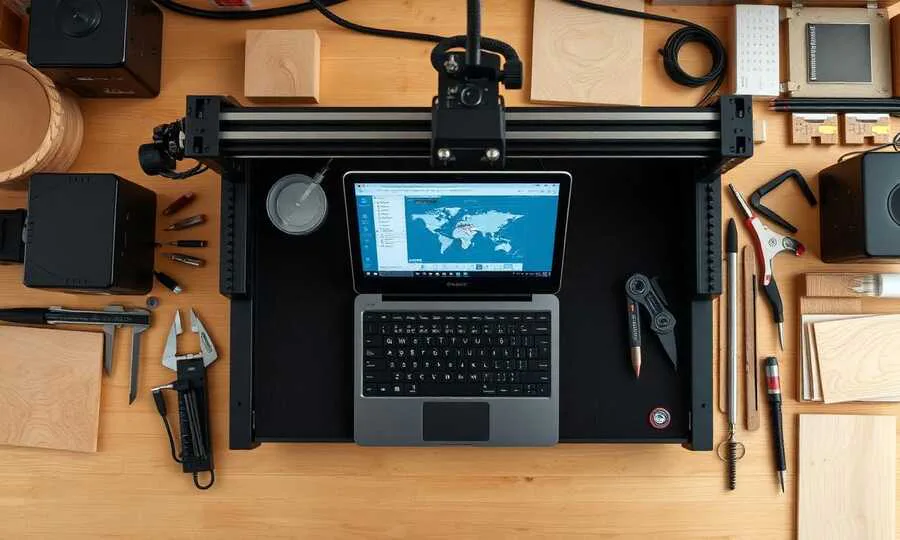
- Computer and software licenses. A reliable PC near the machine, plus annual CAM licenses if you go commercial.
- Material. Plywood, MDF, hardwood, acrylic, and aluminum stock add up faster than expected, especially during the learning curve.
- Maintenance. Belts stretch, V-wheels wear, lead screws need lubrication, spindles need bearings. Budget a few hours a month and small parts spend.
A $1,500 machine often becomes a $2,500–$3,000 working setup once it's truly production-ready. Plan for it from day one and you'll never feel blindsided.
Common First-Time Buyer Mistakes to Avoid
A short list of patterns we see again and again:
- Buying the biggest work area you can afford instead of the most rigid machine you can afford.
- Underestimating the importance of dust extraction until the workshop is unusable.
- Ignoring noise—a trim router in a small space is genuinely punishing without ear protection.
- Treating feeds and speeds as guesswork instead of looking up manufacturer chip-load data.
- Skipping tramming and squaring after assembly. A machine out of square will fight you on every single job.
- Buying a closed-ecosystem machine without checking whether the software is actively maintained.
- Forgetting that you also need bench space, power, and a way to vent or filter the air.
A Simple Decision Framework
If you're still torn between options, work through this short framework:
- List your top three projects for the next 12 months and the materials they require.
- Pick the most demanding material on that list and treat it as your minimum spec.
- Filter machines by frame rigidity and drive system first, work area second.
- Verify the software stack is open or, if proprietary, well supported.
- Add 40% to the machine price as your realistic first-year setup budget.
- Read independent owner reviews—not just YouTube unboxings—for the specific model.
- Confirm spare parts and customer support exist in your region.
Follow that order and you will end up with a machine you grow into, not one you outgrow.
Final Thoughts
A desktop CNC router is a long-term investment in capability. The right machine quietly disappears into your workflow and lets you focus on design, craft, and customers. The wrong one becomes a source of constant troubleshooting and excuses. Spend the extra hour up front to define your use case honestly, read spec sheets critically, and budget for the full setup—not just the box on the bench. Do that, and your first CNC router will pay for itself many times over in the parts, products, and projects it makes possible.
Top Picks for CNC Router Tooling
Professional-grade carbide tools ready to ship. Click any product to view details and pricing.
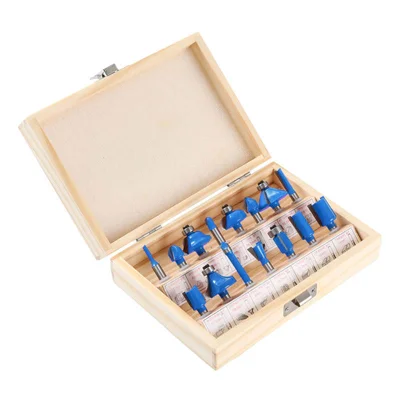
15-Piece Router Bit Set
Multi-size starter kit with carrying case
View on Alibaba →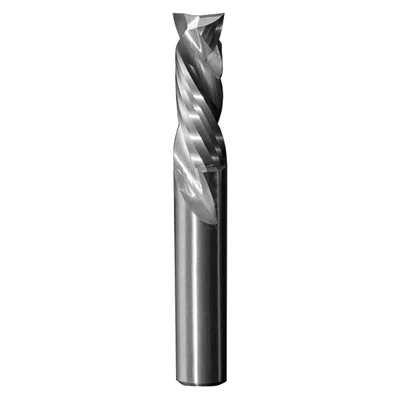
Compression Spiral Bits
Clean edges on plywood & MDF
View on Alibaba →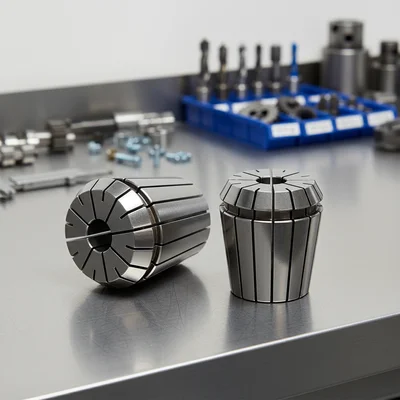
ER Collet Set
Precision holding, zero runout
View on Alibaba →As an Alibaba affiliate partner, we earn from qualifying purchases at no cost to you.